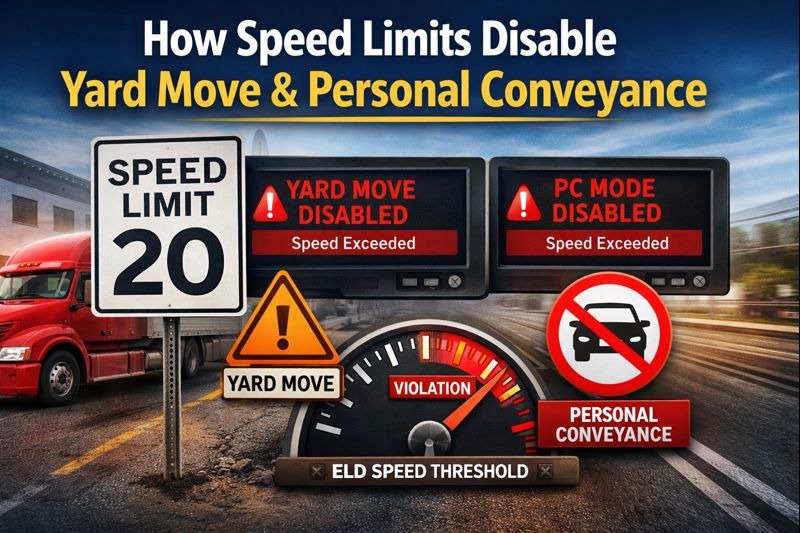
Many drivers assume that switching to Yard Move or Personal Conveyance (PC) on their ELD is enough to stay compliant. But there’s a hidden factor that often causes confusion—and violations: speed limits.
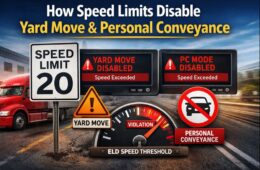
Most electronic logging devices automatically disable yard move or personal conveyance when a speed threshold is exceeded, even if the driver believes they are still operating correctly.
In this article, we’ll explain how ELD speed thresholds work, why yard move speed limits and PC speed limits matter, and how systems like ELD Nexus help prevent unintentional Hours-of-Service (HOS) violations.
Why Speed Matters in ELD Status Changes
ELDs are designed to follow FMCSA intent, not just driver input. While FMCSA does not publish an official speed limit for yard move or personal conveyance, ELD providers are require to apply reasonable safeguards to prevent misuse.
That’s where speed-based automation comes in.
When a vehicle exceeds a predefined speed, the ELD assumes the movement is no longer:
- Confined to a yard or terminal, or
- Personal and non-commercial
As a result, the ELD automatically disables the selected status.
Yard Move Speed Limit Explained
What Is Yard Move?
Yard Move allows drivers to move a commercial vehicle within a terminal, yard, or customer facility without recording driving time.
However, yard move is meant for low-speed, controlled environments.
Typical Yard Move Speed Limit
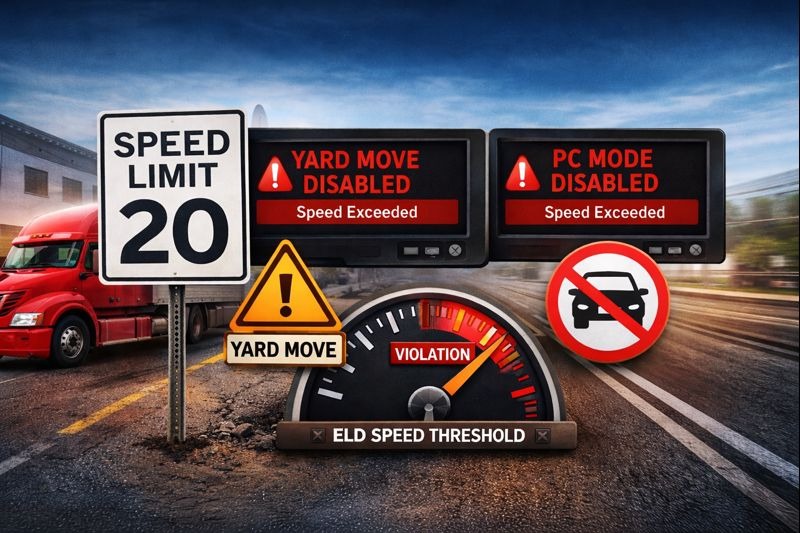
While FMCSA does not specify an exact number, most ELDs set the yard move speed limit between 15–20 mph.
If the vehicle exceeds this threshold:
- Yard Move is automatically disable
- The ELD switches the driver to Driving status
- Driving time begins accumulating
This protects against yard move being used on public roads or for line-haul movement.
Common Yard Move Speed Violations
- Leaving a yard and entering a public road
- Accelerating too quickly inside large terminals
- Forgetting to exit yard move before roadway travel
Once the yard move speed limit is exceeded, the ELD—not the driver—controls the status change.
Personal Conveyance Speed Limit Explained
Is There a PC Speed Limit?
Similar to yard move, FMCSA does not define a fixed PC speed limit. However, ELD providers enforce speed-based rules to prevent PC from being used as extra driving time.
Most ELDs disable personal conveyance when speeds exceed reasonable passenger-vehicle use, often around 20–30 mph, depending on configuration.
Why Speed Disables Personal Conveyance
High speeds suggest that the vehicle is:
- Traveling on public highways
- Covering long distances
- Potentially advancing commercial operations
When this happens, the ELD assumes PC is being misused and automatically switches the driver to Driving status.
Common PC Speed Mistakes
- Using PC on highways
- Driving long distances under PC
- Forgetting PC is for personal use only
- Accelerating normally without monitoring speed
Even if the trip is personal, exceeding the ELD speed thresholds can still trigger an automatic status change.
How ELD Speed Thresholds Work
ELD speed thresholds are built into the system logic and operate automatically.
What Happens When Speed Is Exceed?
- Driver selects Yard Move or Personal Conveyance
- Vehicle accelerates beyond allowed threshold
- ELD immediately disables the selected mode
- Status switches to Driving
- Driving time begins counting toward HOS
These thresholds are non-adjustable by drivers and exist to maintain FMCSA compliance.
How ELD Nexus Handles Speed-Based Status Changes
ELD Nexus is designed to reduce confusion around speed-related violations.
ELD Nexus Speed Compliance Features
- Automatic disabling of Yard Move and PC at unsafe speeds
- Clear driver alerts when thresholds are exceeded
- Real-time status updates
- Detailed logs for DOT inspections
- FMCSA-compliant audit trails
By clearly showing when and why a status changes, ELD Nexus helps drivers correct behavior immediately—before violations occur.
Best Practices to Avoid Speed-Related Violations
To stay compliant:
- Use Yard Move only in controlled, low-speed environments
- Never use PC on highways or for long-distance travel
- Watch acceleration when in Yard Move or PC
- Exit special statuses before entering public roads
- Use an ELD like ELD Nexus that provides clear alerts
If you’re unsure whether speed will disable a status, assume it will—and switch to Driving.
Final Thoughts
Speed plays a critical role in how ELDs interpret driver intent. Even when Yard Move or Personal Conveyance is selected correctly, exceeding speed thresholds can instantly turn legal time into a violation.
Understanding yard move speed limits, PC speed limits, and how ELD speed thresholds function—especially when using a compliant platform like ELD Nexus—is essential for avoiding unnecessary HOS issues.
Frequently Asked Questions (FAQs)
What is the yard move speed limit in ELDs?
Most ELDs disable yard move between 15–20 mph, depending on system configuration.
Is there an official FMCSA PC speed limit?
No. FMCSA does not publish a specific PC speed limit, but ELDs enforce reasonable thresholds to prevent misuse.
Why did my ELD switch me from PC to Driving?
This usually happens when the vehicle exceeds the PC speed limit set within the ELD system.
Can drivers override ELD speed thresholds?
No. Speed thresholds are automatic and cannot be overridden by drivers.
Does speeding cancel yard move immediately?
Yes. Once the speed threshold is exceeded, yard move is disabled instantly.
How does ELD Nexus help with speed-related compliance?
ELD Nexus provides real-time alerts, automatic status changes, and clear logs to help drivers avoid violations.